-
 ▶ 0:51
 Video
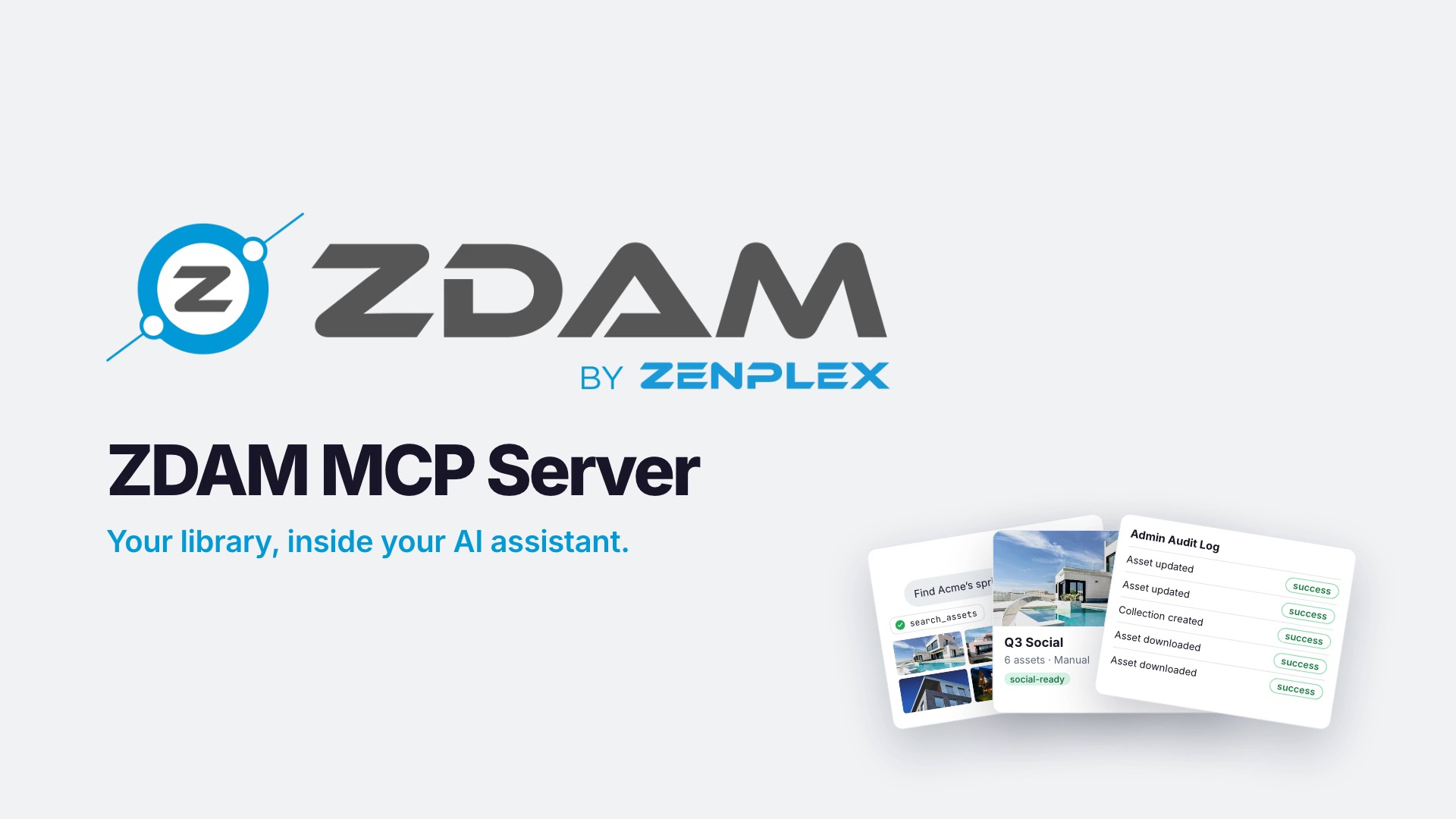
ZDAM MCP Server: Your Library, in Your AI Assistant
Watch an AI assistant work inside ZDAM: find campaign shots, share download links, build a tagged collection, all with your own permissions. Works with Claude.
-
 ▶ 0:43
 Video
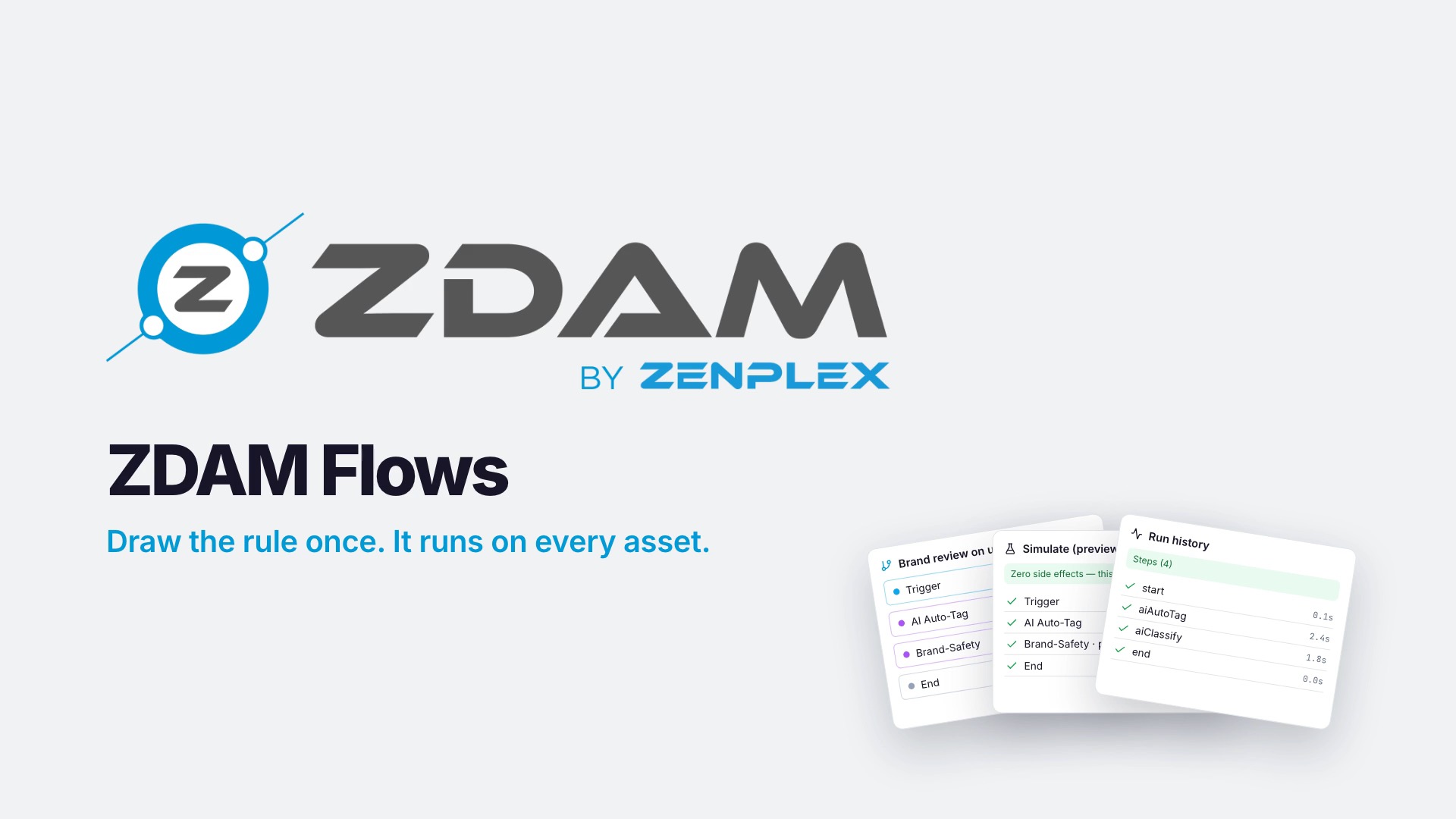
ZDAM Flows: Draw It Once, It Runs Every Time
Watch ZDAM Flows in 43 seconds: drag in a trigger, add the steps, simulate on a real asset, and publish a no-code workflow that runs on every upload.
-
 ▶ 0:48
 Video
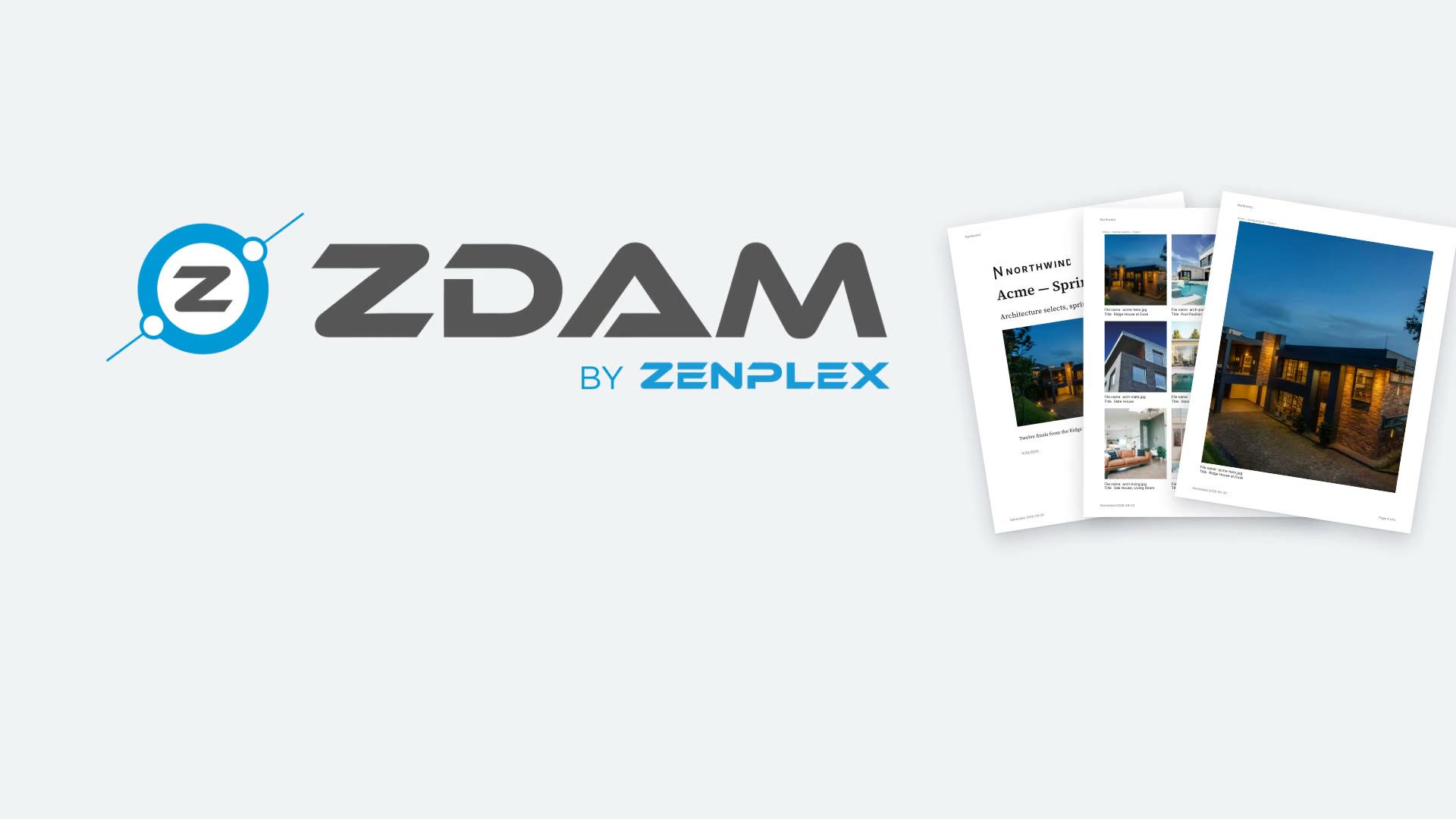
ZDAM Contact Sheets: Your Best Photos, One PDF
Watch a contact sheet come together in ZDAM: select assets, pick a layout or let ZDAM fill the pages, then generate a multi-page PDF with a cover and captions.
-
 ▶ 1:00
 Video
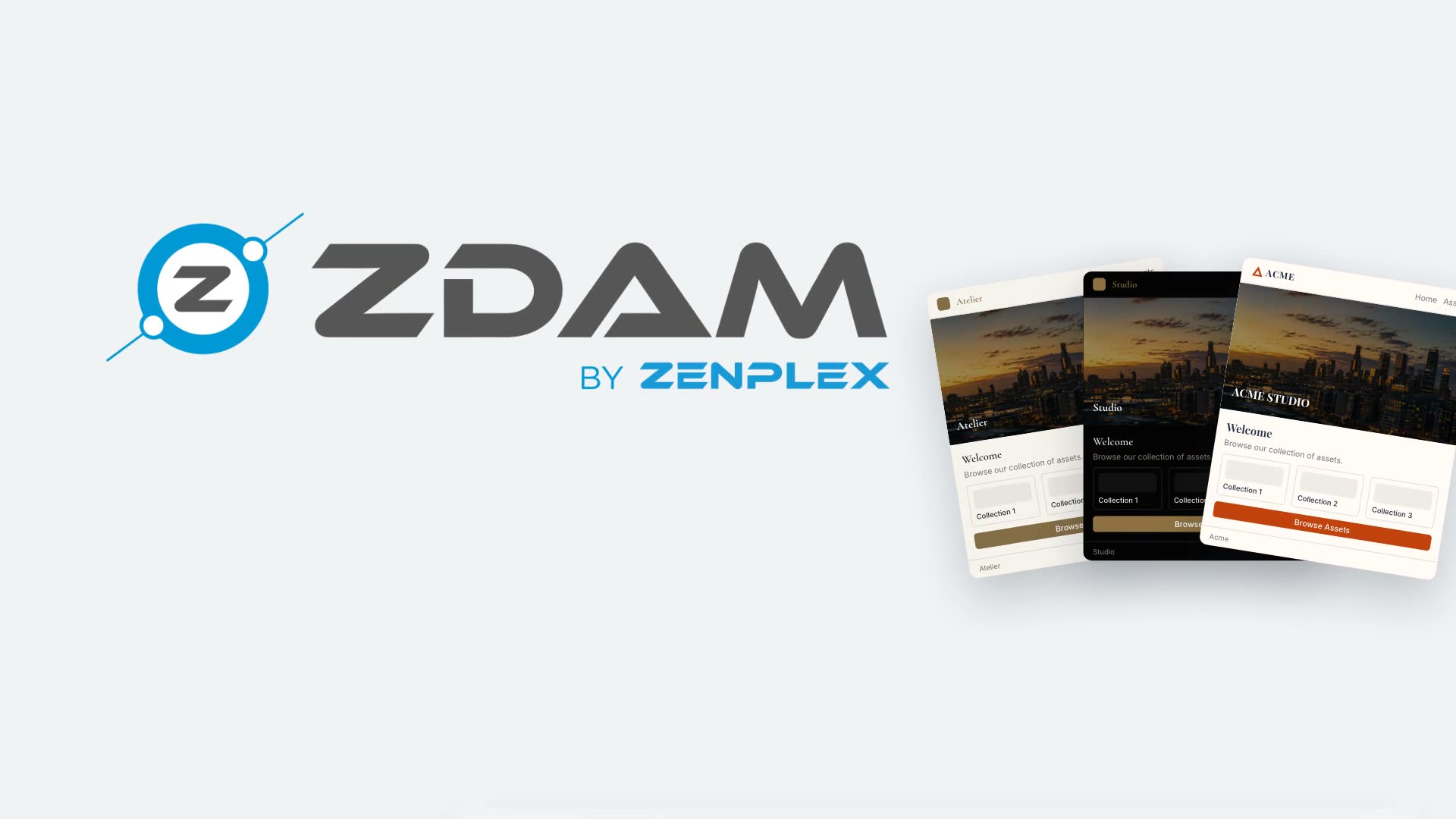
ZDAM Portals: Branded Galleries in One Link
A one-minute tour of ZDAM Portals: branded galleries for clients, partners, and vendors, with your domain, SSO, and live tracking of every view and download.
-
 ▶ 0:30
 Video
Bring Your Own Storage: No Vendor Lock-In
In 30 seconds: connect Wasabi, AWS, Google Cloud, or any S3-compatible bucket to ZDAM. Your assets stay in your buckets, on your billing, with no lock-in.
-
 ▶ 0:38
 Video
Report Bugs Without Leaving the Page
See the ZDAM Chrome extension file a bug report in seconds: it captures a screenshot, your markup, and the page context, then notifies your team right away.
-
 ▶ 0:27
 Video
ZDAM MCP Server: Your Library Now Speaks Agent
See how ZDAM's native MCP server lets AI assistants search and pull your assets directly. Ask in plain English, and the right assets come back in the chat.